Changing Your Email Account Password
1. Log in to DirectAdmin.
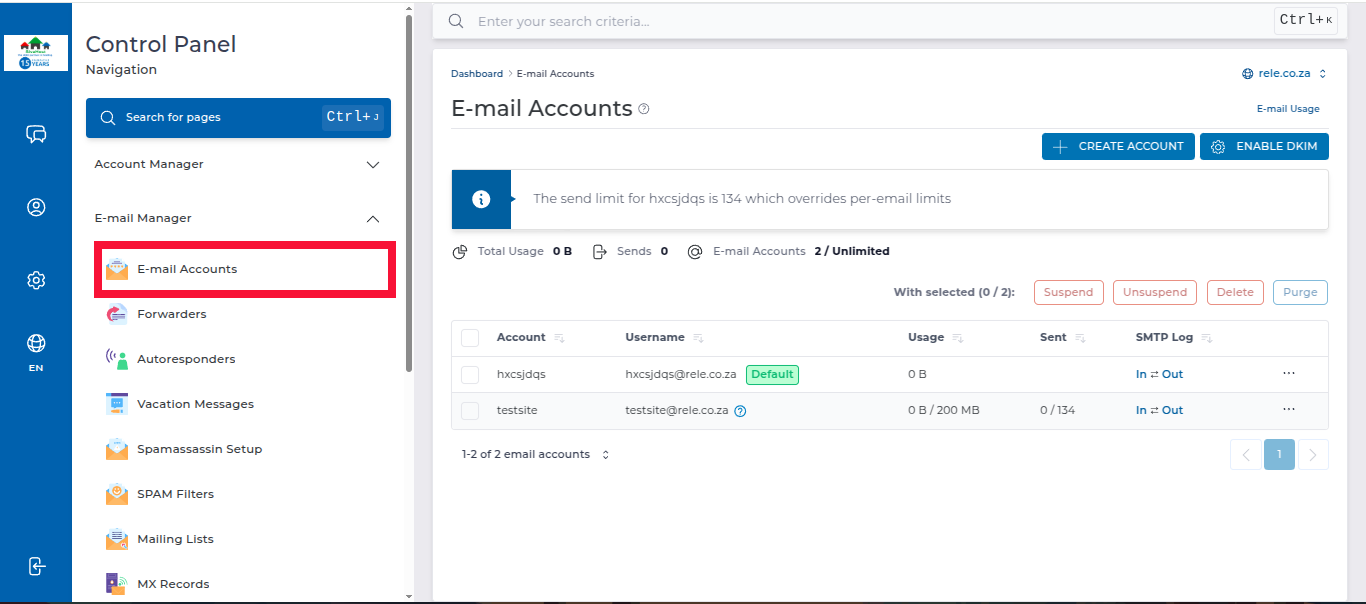
2. In the left panel menu, click on the Email Manager dropdown arrow, then select Email Accounts.
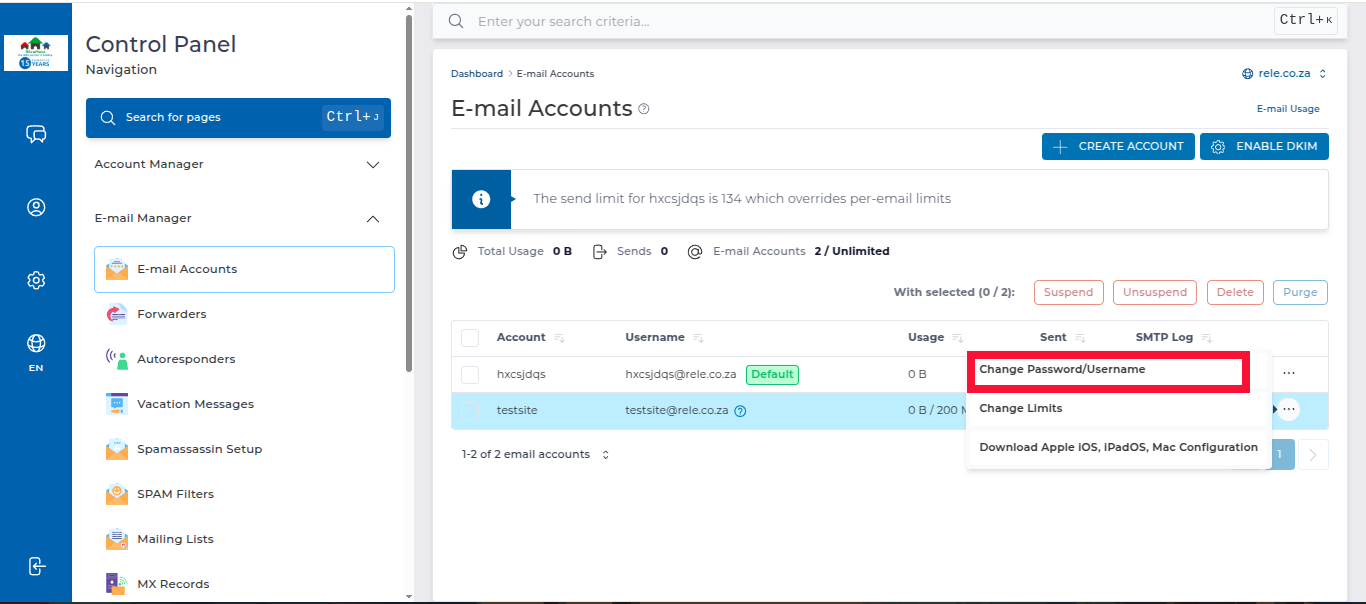
3. On the Email Accounts page, locate the email account you want to make changes to, then click on the 3 dots on the far right and select Password/Username.
4. Enter the new password and click Save to apply the new password.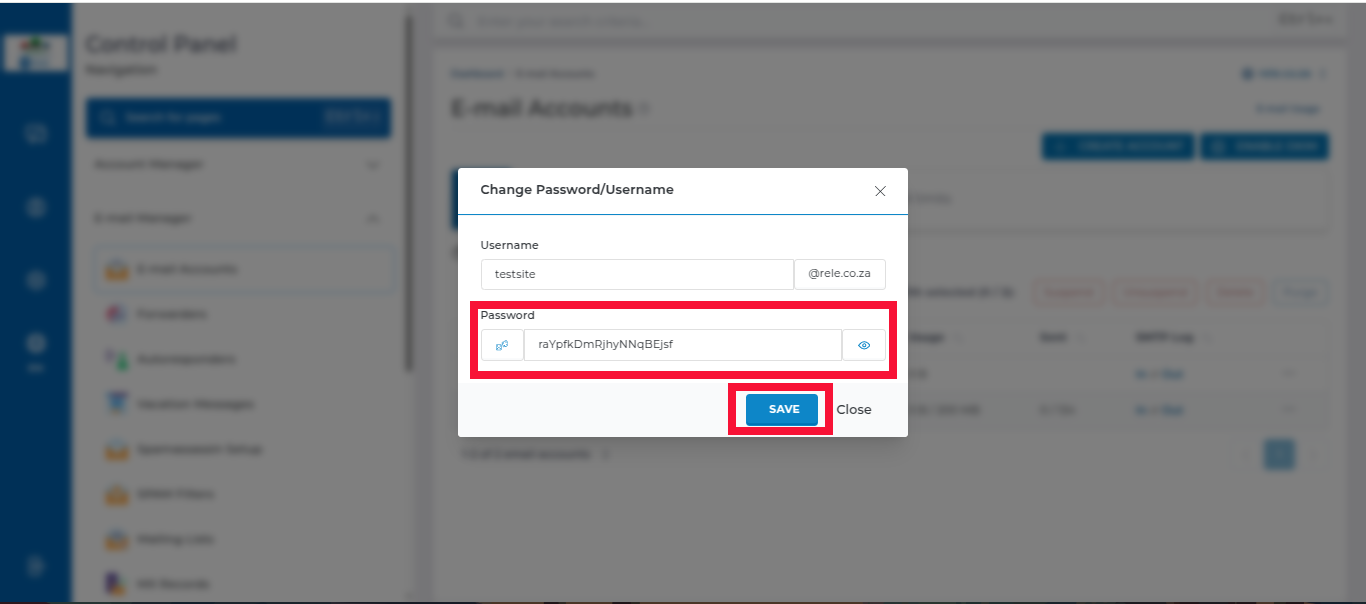
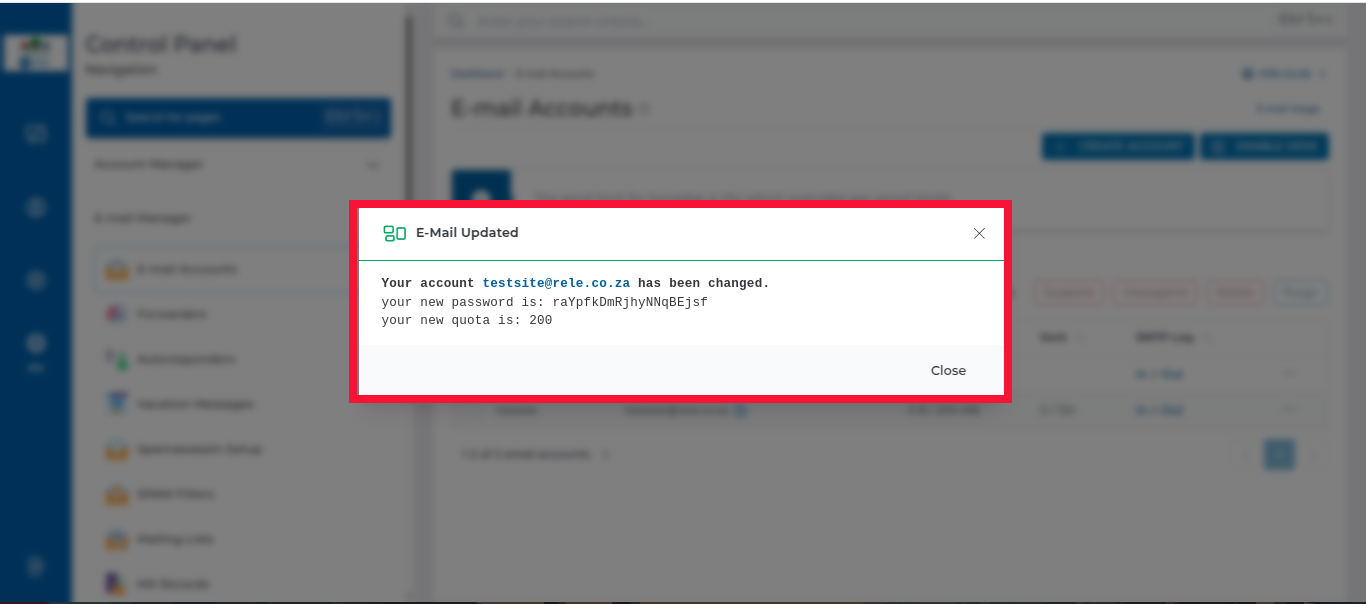
5. You will then see a pop-up window with the changes you have made